New on NemKad: a tab bar for members
Your card, account, organisations, network and messages are now one tap away on every screen, with counts for unread messages and new requests.
As NemKad has grown from a card into a card, a network, an inbox and organisation pages, getting between them took too many taps. That is fixed.
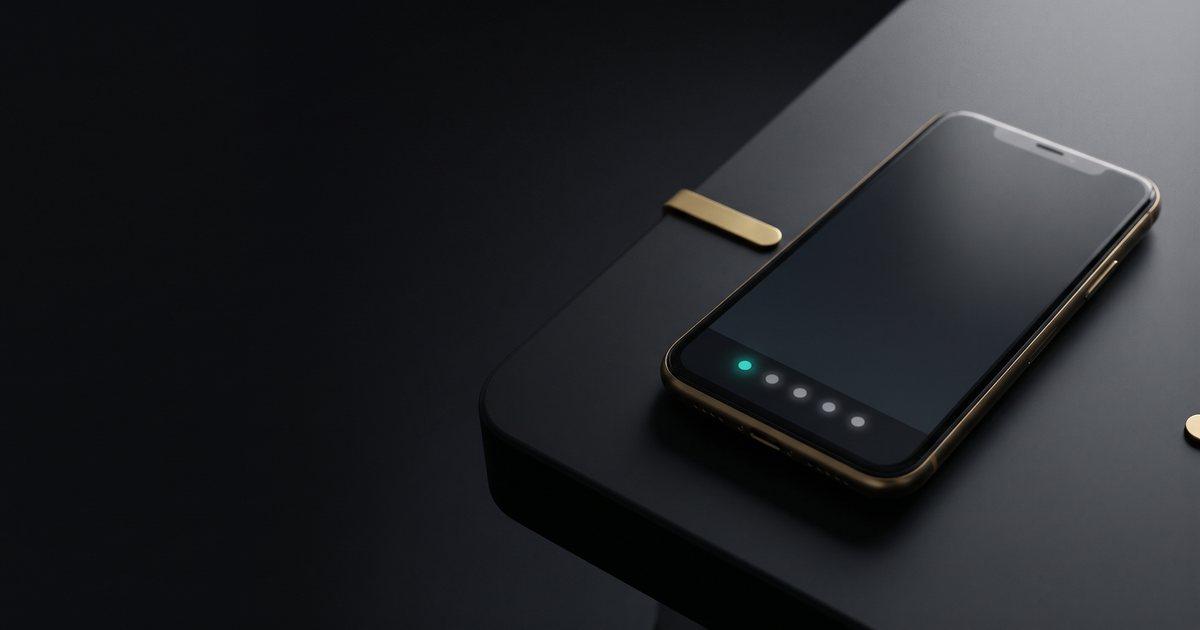
Signed-in members now have a tab bar with the five things you use most.
The five tabs
- MyCard is your card: edit it, preview it, share it, and get your QR code.
- Account holds your plan and billing, email and notification settings, the enquiry auto-reply, the app install and account deletion.
- Orgs is where you create and manage organisation pages, and see the ones you belong to.
- Network shows your connections and any new connection requests.
- Messages is your inbox: messages from connections, enquiries from your Contact me form, and announcements from NemKad.
Where to find it
On a phone, the bar sits along the bottom of the screen, where your thumb already is. On a larger screen, the same five links appear in the header.
It shows on every dashboard page, so you can move from editing your card to answering a message in one tap.
Counts where they matter
Two tabs carry a small number so you can see what needs attention without opening anything:
- Messages shows how many are unread.
- Network shows how many new connection requests are waiting.
A cleaner dashboard
Account settings used to share a page with the card editor. They now have their own page under Account, which leaves the dashboard as what it should be: your card.
Nothing has been removed. Enquiries and Analytics are still on your MyCard page, where they were.
What has not changed
Your card's address and QR code are exactly the same, so anything you have printed or shared still works. Visitors to your card see no difference; the tab bar is only for signed-in members inside the dashboard.
A tip
If you use NemKad mostly on your phone, install it to your home screen from the Account tab. With the tab bar at the bottom, it behaves like an app, and your own card and QR code stay available even without a connection.
The Orgs tab is new for many members: New on NemKad: organisation pages explains what it is for. And if you have not shared your card in a while, Sharing your name card covers the quickest ways.
Tell us what you think at helpline@nemkad.com.
See it for yourself. Sign in to your dashboard, or claim your card if you do not have one yet.